MICROSOFT WINDOW | COMPUTER MASTERY
About Course
Microsoft Windows is a popular operating system developed by Microsoft that allows users to operate computers and run various applications easily. It provides a user-friendly graphical interface for managing files, software, hardware devices, and system settings. Microsoft Windows is widely used in homes, offices, schools, and businesses for tasks such as browsing the internet, creating documents, multimedia usage, and software development. Popular versions include Windows 10 and Windows 11.
Course Highlights:
- Introduction to Microsoft Windows
- Understanding Windows Interface & Features
- File & Folder Management Techniques
- Windows Installation & Configuration
- Control Panel & System Settings
- Internet & Network Configuration Basics
- Windows Security & Antivirus Protection
Course Content
MICROSOFT WINDOW
-
MICROSOFT WINDOW PART 1
00:00 -
MICROSOFT WINDOW PART 2
00:00 -
MICROSOFT WINDOW PART 3
00:00
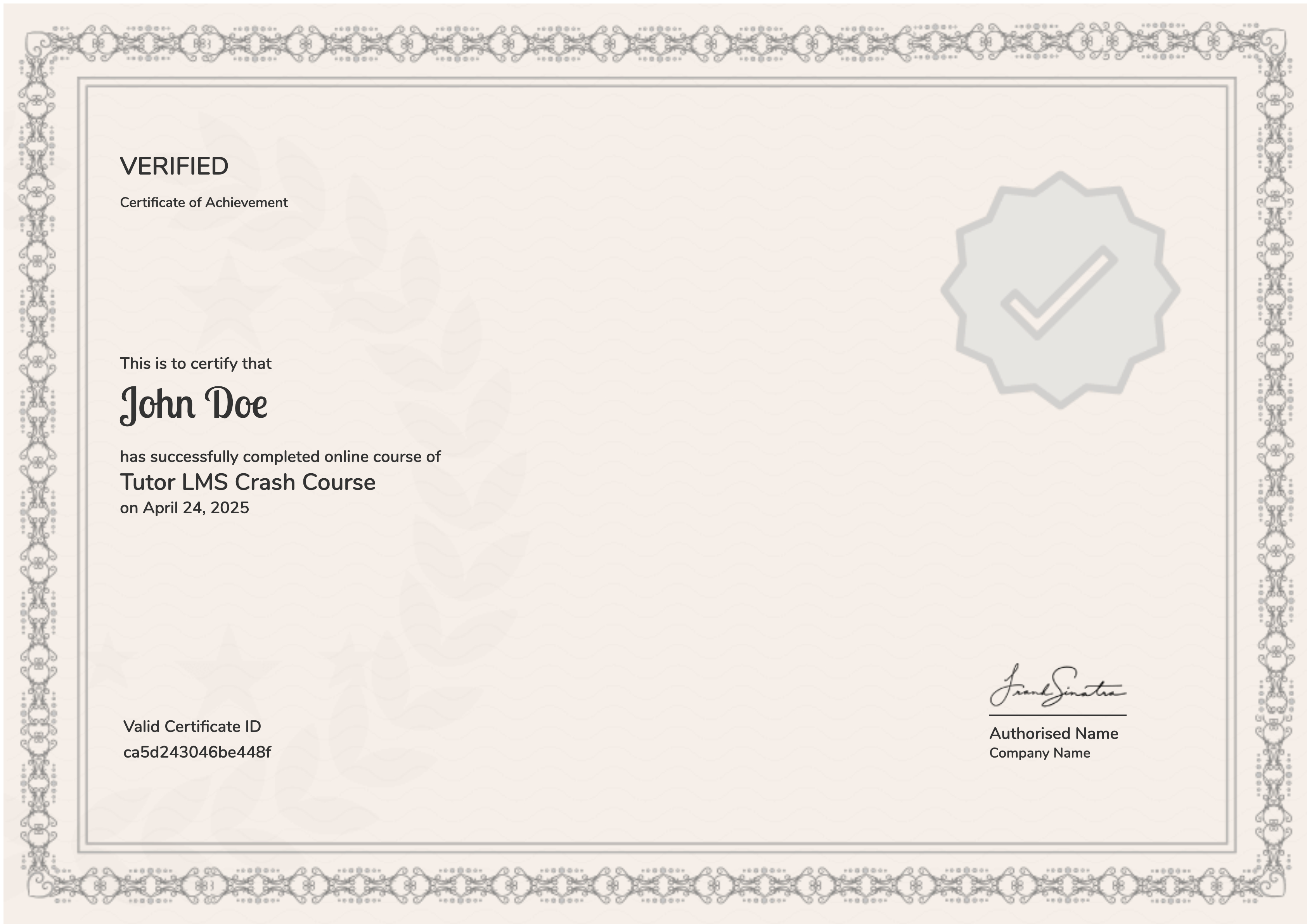
Earn a certificate
Add this certificate to your resume to demonstrate your skills & increase your chances of getting noticed.
Student Ratings & Reviews

No Review Yet